

See what your next lesson could become
Explore practical ways to build, run, and review learning with Praktikal.
Keep prediction, measurement, and explanation in one physics lesson
A practical can end in a tidy table while the reasoning stays hidden. In Praktikal, the prediction, measurements, graph or formula, student explanation, and feedback can stay in one lesson sequence.
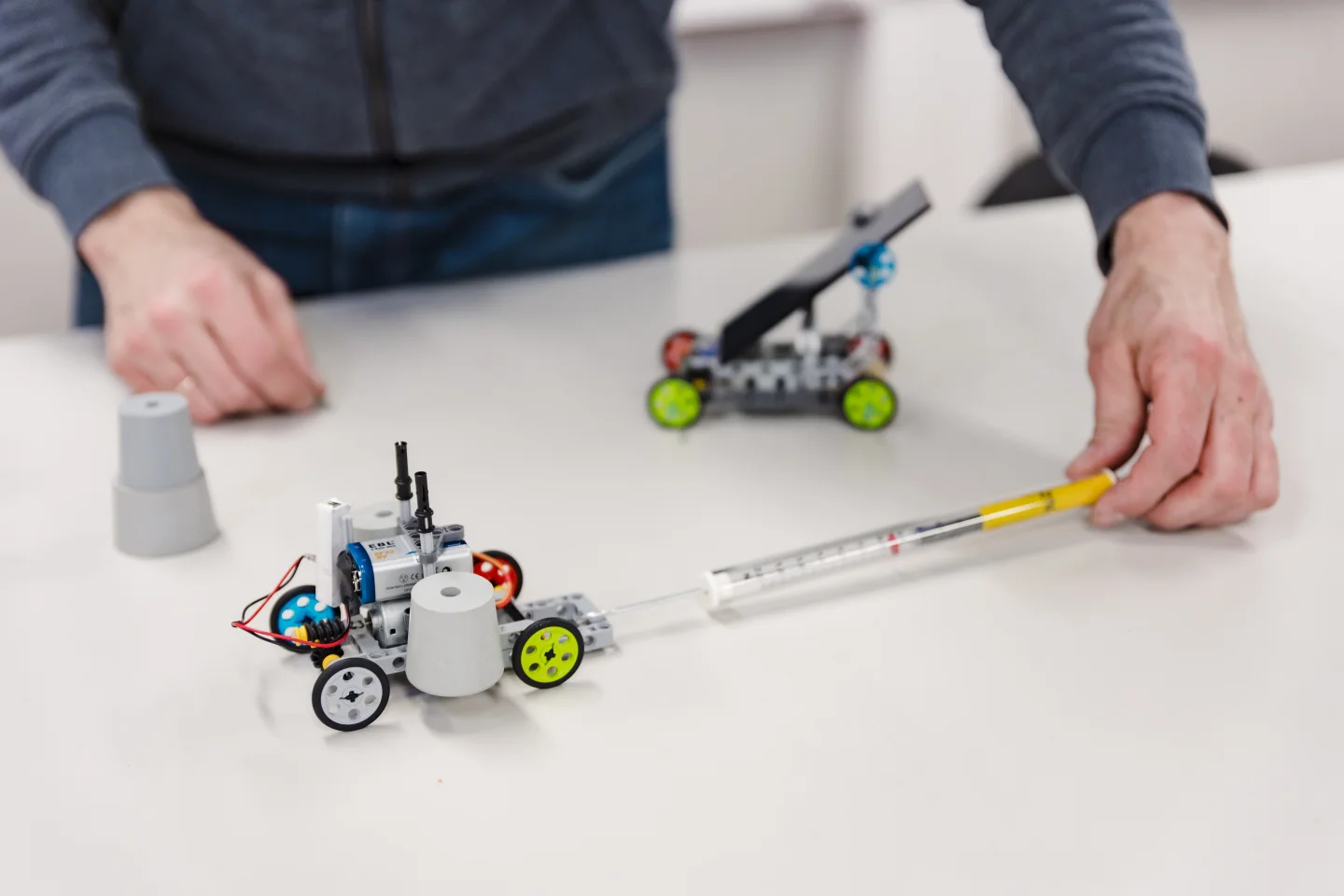
Keep the reasoning attached to the practical
Give every stage a clear purpose, from the first prediction to the teaching decision that follows the explanation.
Before the demonstration
Collect a prediction and the reasoning behind it before the visible result makes every first answer look obvious.
During the experiment
Give each student or group a clear structure for measurements, observations, and calculations that can be compared later.
While explaining
See which model the class is using and decide whether to compare, challenge, or formalise it next.
After the practical work
Ask every student to turn the result into a claim supported by evidence, not only submit a completed table.
Using Praktikal in physics
Explore concrete teaching sequences and the Praktikal tools that collect predictions, represent evidence, and keep physical reasoning visible.

How to structure a physics practical lesson
A practical can produce a tidy table without helping pupils connect the readings to the physics. This six-stage sequence keeps the question, evidence and next teaching decision together.
Read article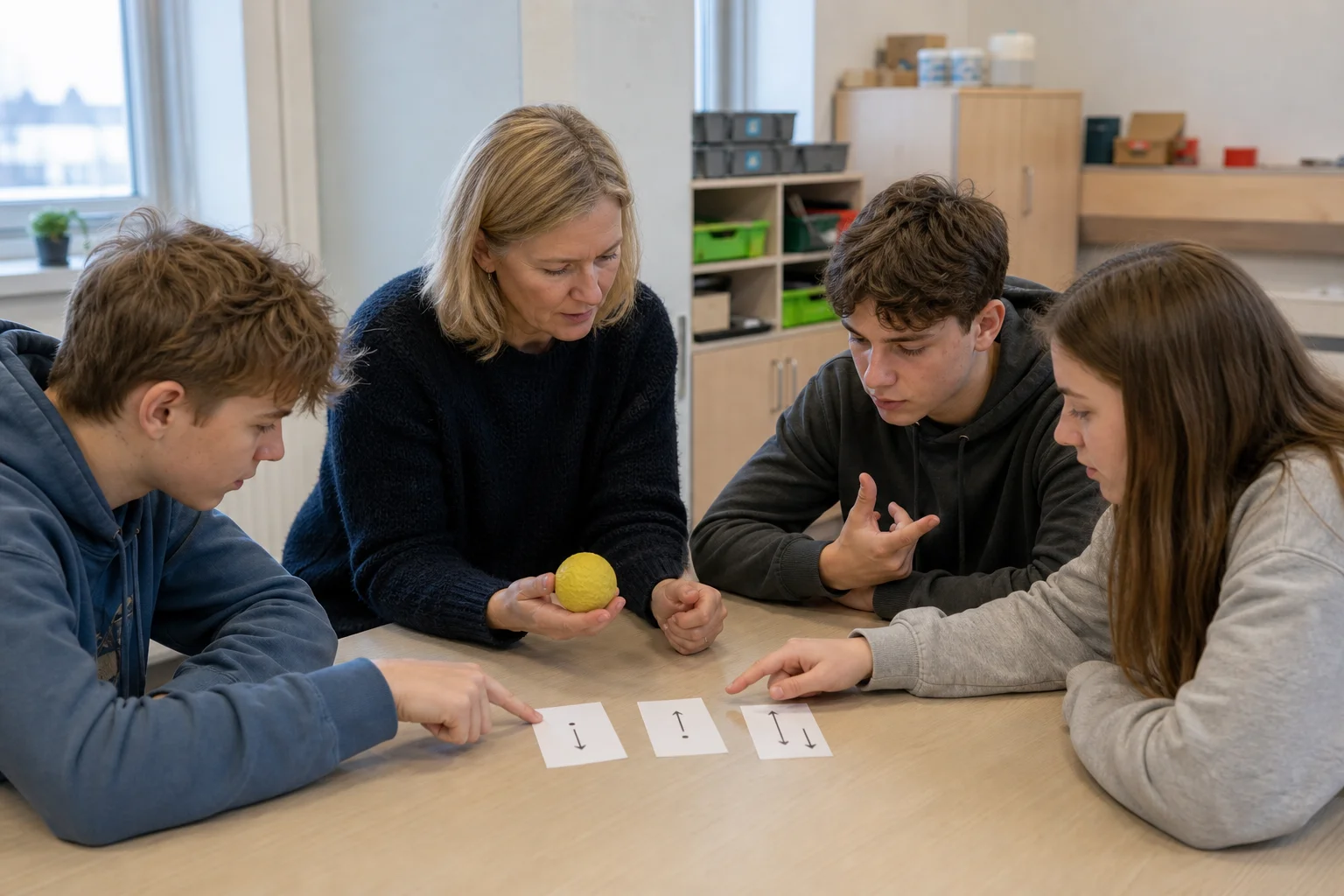
How to probe and revisit physics misconceptions with prediction questions
Ask before explaining, inspect the reasoning you have actually captured, then give pupils a reason to think again.
Read article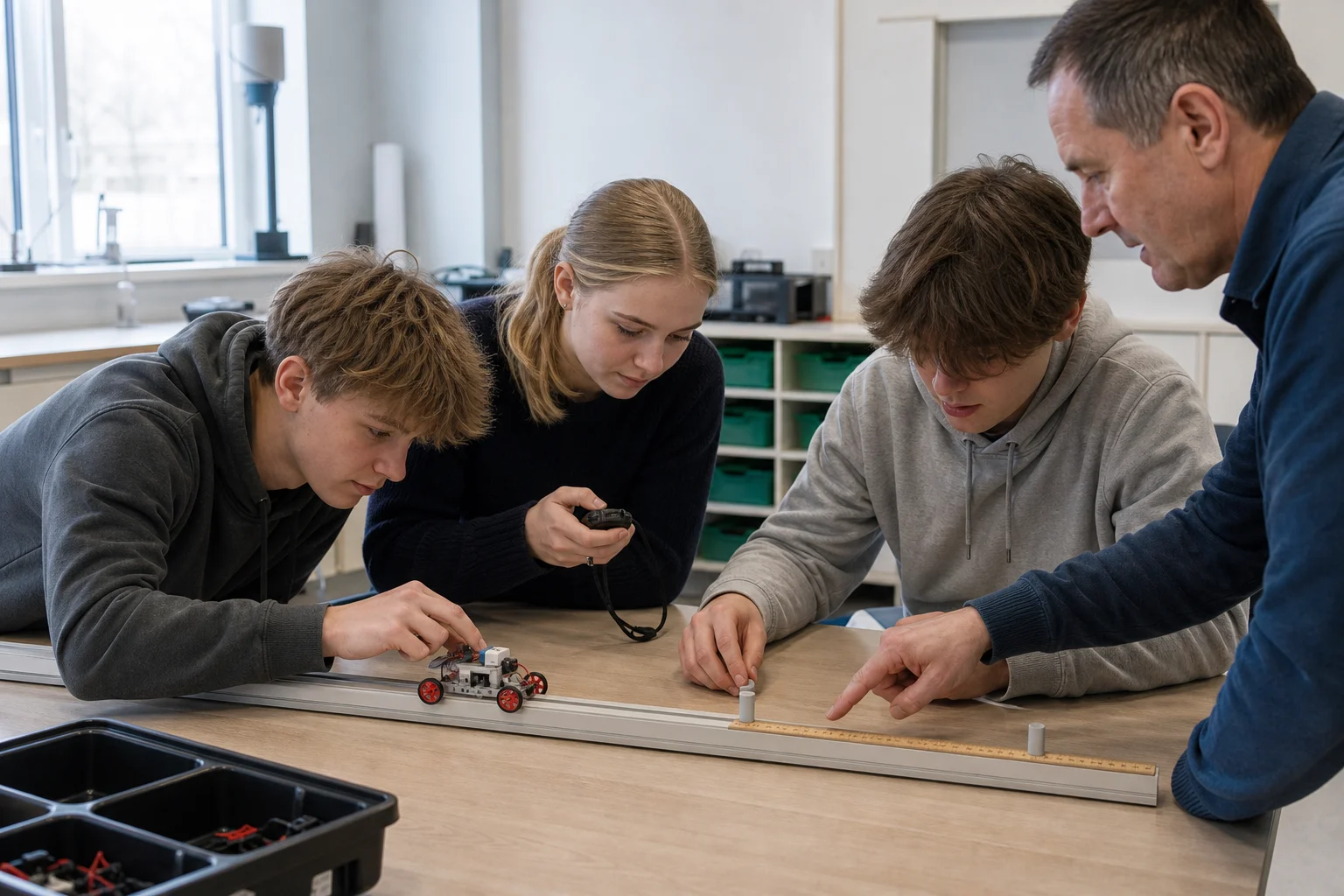
%3C%2Ftext%3E%3Ctext%20transform%3D%22translate(11%2068)%20rotate(-90)%22%3EDistance%20(m)%3C%2Ftext%3E%3C%2Fg%3E%3C%2Fsvg%3E)
%3C%2Ftext%3E%3Ctext%20transform%3D%22translate(11%2068)%20rotate(-90)%22%3EDistance%20(m)%3C%2Ftext%3E%3C%2Fg%3E%3C%2Fsvg%3E)
%3C%2Ftext%3E%3Ctext%20transform%3D%22translate(11%2068)%20rotate(-90)%22%3EDistance%20(m)%3C%2Ftext%3E%3C%2Fg%3E%3C%2Fsvg%3E)
How to teach motion graphs by linking movement, graph and explanation
Keep what the object does, what the graph shows and what pupils say about it in the same teaching sequence.
Read articleSee submitted responses as they arrive
Collect predictions and reasoning before a demonstration, then compare submitted answers while there is still time to revisit the model.
Explore featureCreate graphs and graph questions on one coordinate grid
Plot motion measurements or ask learners to construct and submit the graph themselves.
Explore featureCreate circuit diagrams or turn them into a question
Build an editable circuit diagram or collect a learner-built circuit for manual review.
Explore featureLet learners draw and annotate directly on images
Ask learners to draw force arrows or annotate a practical image directly.
Explore featureLet students enter real maths and assess it symbolically
Let learners enter formulae, calculations, and structured working with the onscreen maths keyboard.
Explore featureCreate editable lesson visuals with Canvas
Create editable force diagrams, ray diagrams, and annotated practical setups.
Explore featureCreate a physics lesson that connects prediction, practical work, explanation and feedback
Bring questions, practical work, student explanations, live results, and feedback into one Praktikal lesson.
No credit card required.

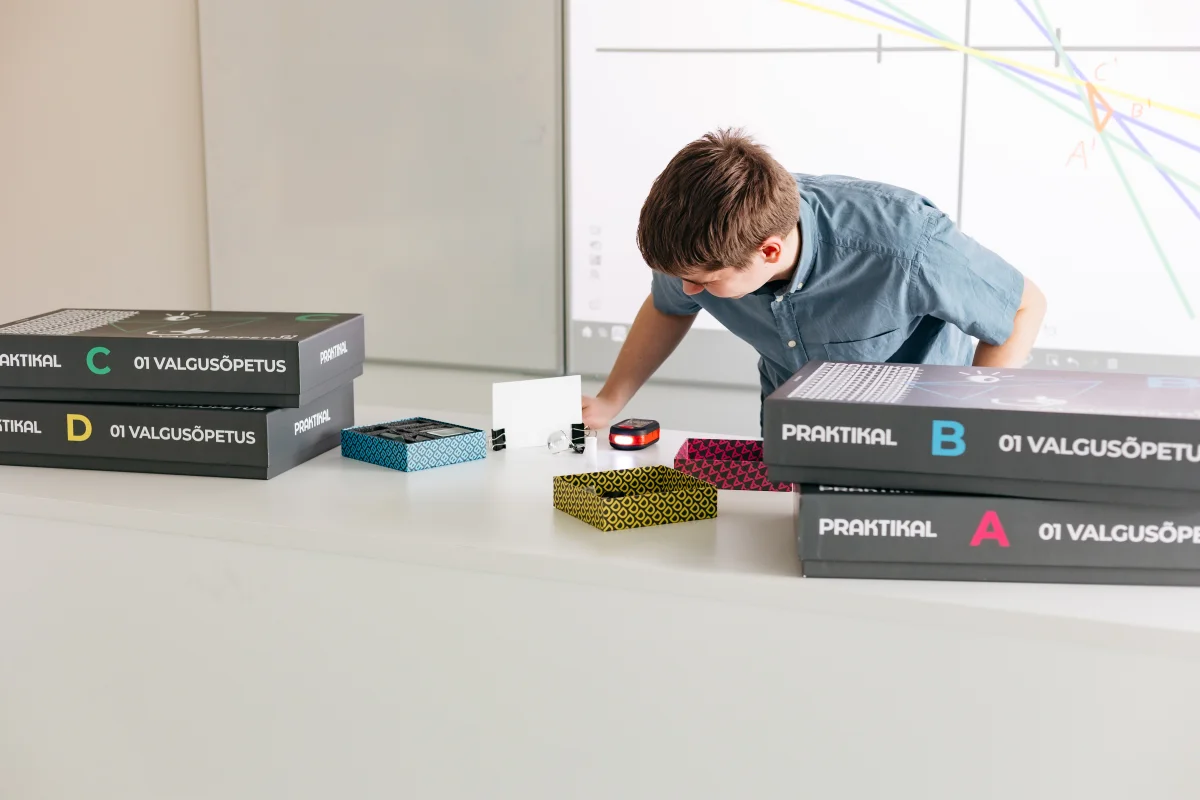
Teacher feedback
The hand is no longer in contact. Explain why Earth still exerts a force when the ball reaches the top of its path.