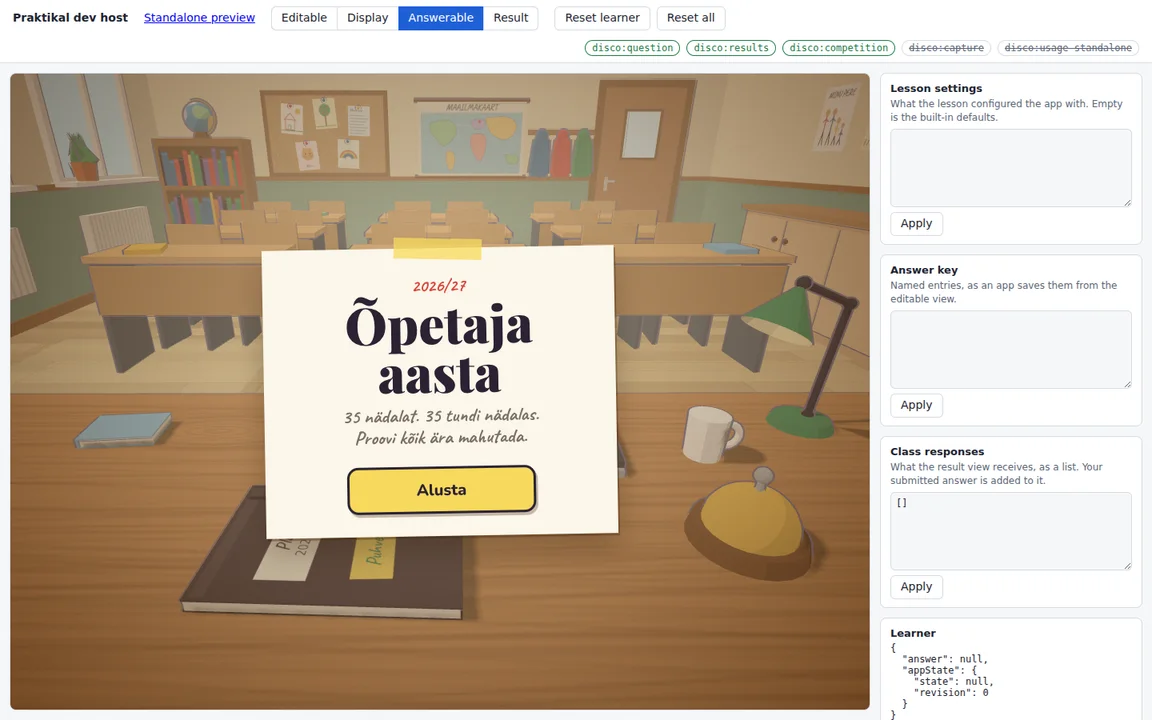
A game that runs in Praktikal like any other material
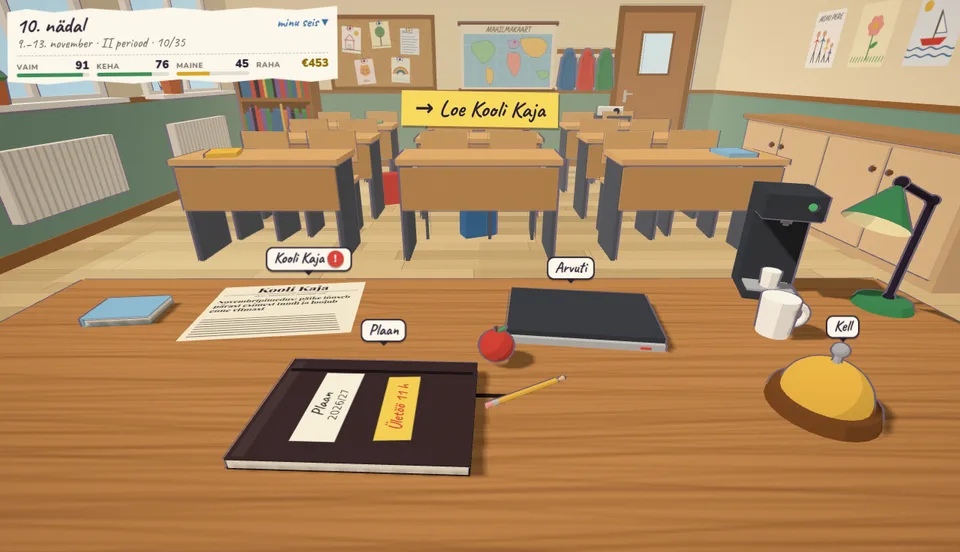
The game is drawn in 3D: the teacher’s desk is the whole interface, with the school newspaper, the laptop, the diary and the bell. It was built in its own project with a coding agent and published to Praktikal as a learning app.
In Praktikal it behaves like any other material. A teacher adds it to a lesson, opens it in a session or sets it as an assignment, and each player’s year arrives in the results.
1
More than one activity in one lesson
A sorting game, a fraction wall or a small simulation inside one lesson is quickest to make with Praktikal’s assistant. A learning app is for when the idea is a whole application: its own screens, its own rules and its own libraries.
Õpetaja aasta opens on a title page, explains how to play, and has the player sign a contract with the head teacher before the year starts. All of it is one app, built and tested in its own project.
- Its own project, screens and libraries
- Built with a coding agent
2
A school year played over many sittings
A year of 35 weeks does not fit into one lesson, so the game saves after every week. Praktikal keeps each player’s place for that lesson, session or assignment, and the next sitting carries on from the same week, on any device.
Each week starts at the desk: the school newspaper changes the week’s rules, notices arrive as e-mails waiting for an answer, and the diary turns the hours the player sets into a timetable.
- Saved after every week
- Carries on from the same place on any device
3
As much game as the idea needs
When the player rings the bell, the week plays in fast-forward: the class fills up, hands go up, evenings of overtime light the desk lamp, and a knock at the door stops the clock for an answer.
Because it is a real project, it is also tested like one. The game’s rules are covered by tests, and a balance simulation plays a thousand scripted years to check that a sensible week scores best and that working every evening burns the teacher out.
- 3D, animation and timing in the browser
- Rules covered by tests and a balance simulation
4
A scoreboard for the staff room and a result for the teacher
At the end of the year the game sends the score to the scoreboard once. Next to the main board it ranks the same years its own way: the most impact, the most money and the fastest career.
In a session or an assignment, each player’s year is also their answer. The teacher sees every player’s score, career level, impact and average overtime in the results, in a view the app draws itself.
- One score per year, on the session’s scoreboard
- Each year in the teacher’s results
5
Build a learning app with your own coding agent
A learning app starts from Praktikal’s starter project, which explains the platform’s rules to your coding agent and gives you a simulated Praktikal to try the app in as a teacher and as a learner. When it works, the agent uploads it as a private draft, and you publish a version when it is ready.
Building your own learning apps is part of the Pro plan. The step-by-step guide is in Praktikal’s help, under “Building a learning app with your own coding agent”.
- Included in the Pro plan
- Drafts stay private until you publish